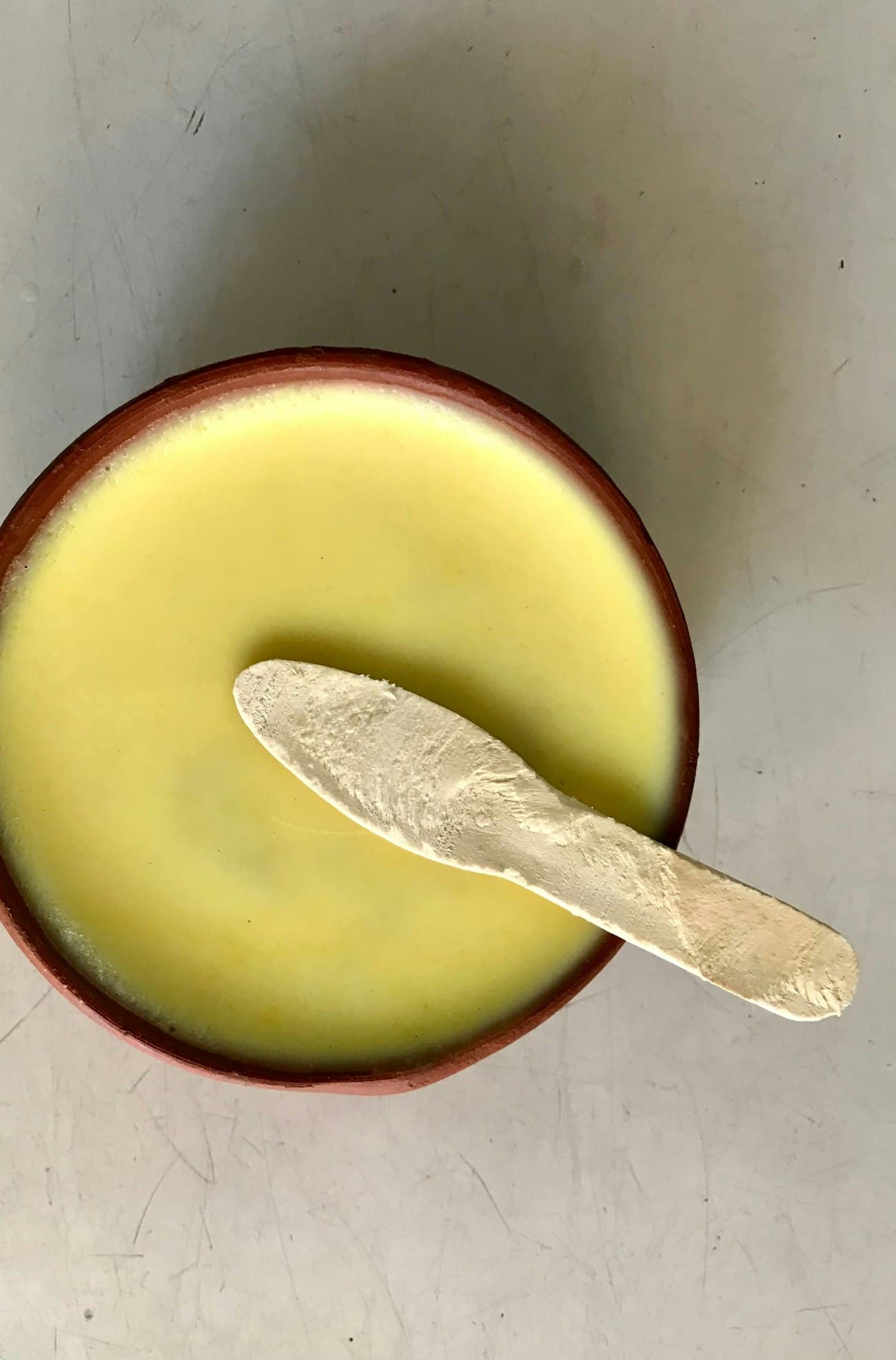
Start from a theme

Each one is made for a different way of selling. Pick the closest, add your photos and products, and put it on your own address.

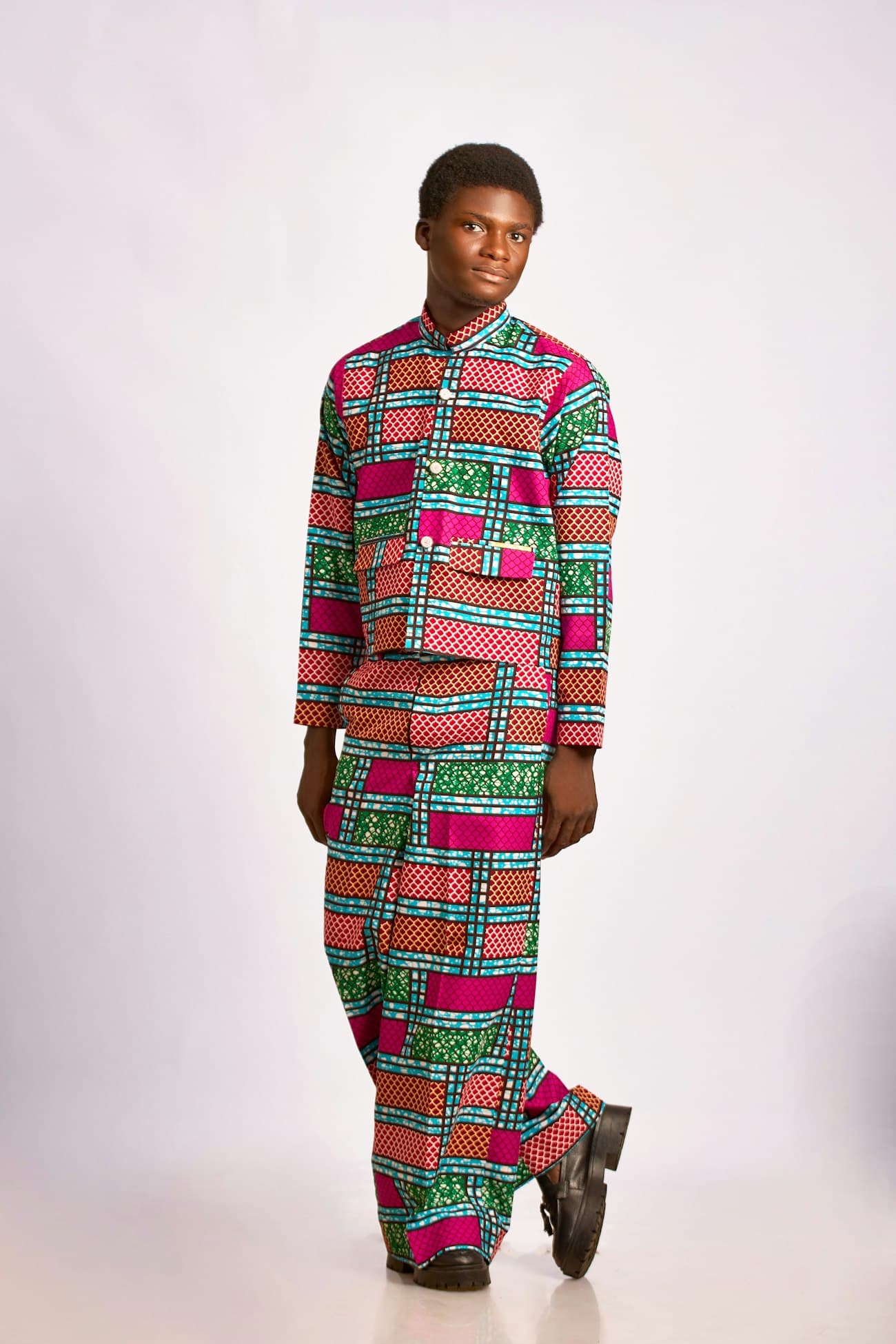
All six themes

Canopy

Big photos, warm stone, and one product at a time.

Start with Canopy

Market

A dense grid with quick add, for long catalogues.

Start with Market

Ledger

Plain type and tables of variants. Wholesale-friendly.

Start with Ledger

Awning

A striped hem and an editorial home page.

Start with Awning

Studio

Full-bleed imagery and a lookbook.

Start with Studio
6themes
each made for a different way of selling
10storefronts
on Scale, each with its own theme1
14days
to try them all, every feature on2

1. Starter runs 1 storefront, Growth 3, Scale 10.2. Then from GH₵249 a month.

Change it any time in the theme editor.

Your brand colour, your products, your home page. See every change on a live preview of your store, then publish when it's right.
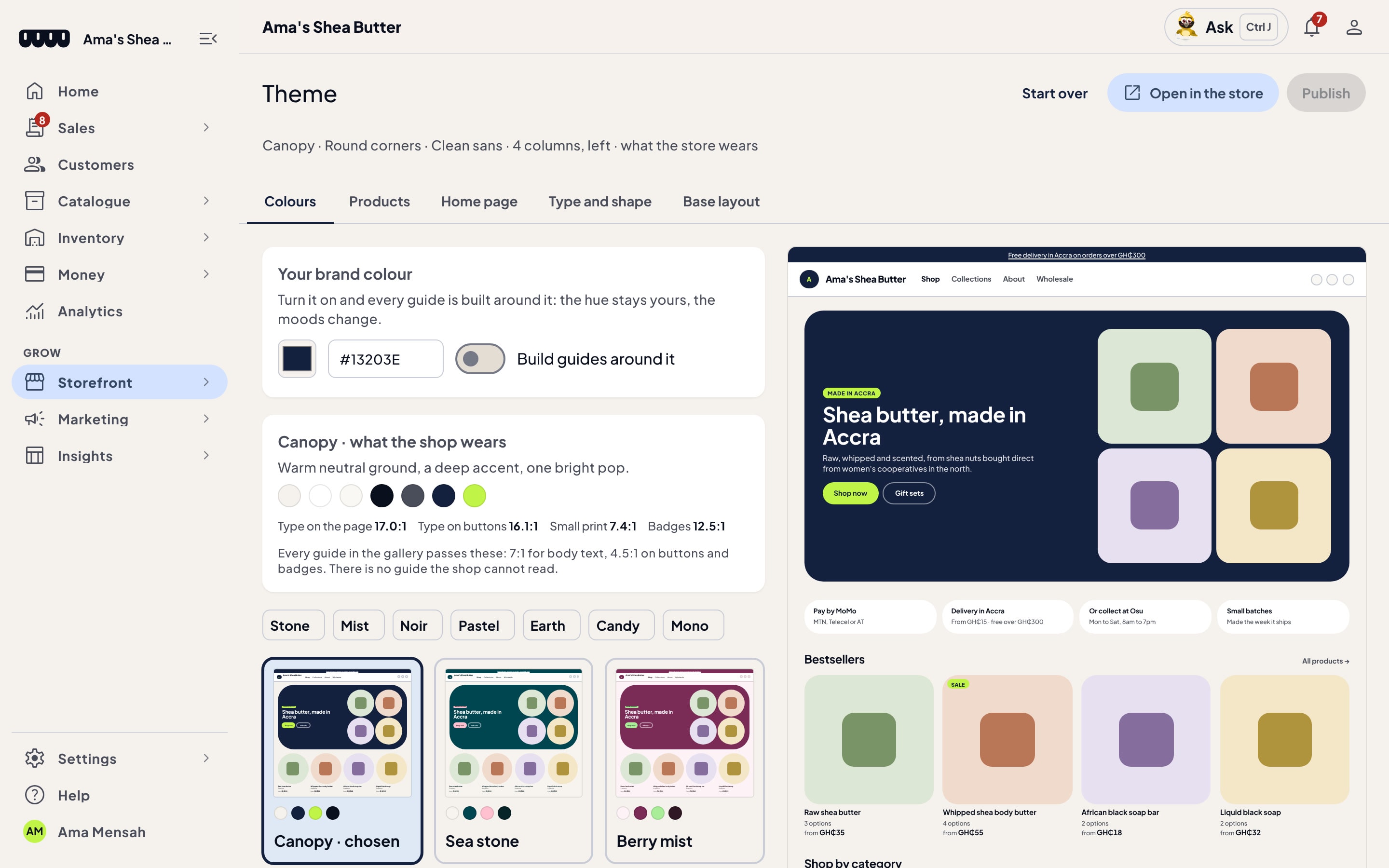
The Theme editor for Ama's Shea Butter: Canopy is chosen, the brand colour is #13203E, colour guides are listed with their contrast ratios, and a live preview of the store sits on the right
Your brand colour Contrast checked Live preview

Colours

Set your brand colour, then pick a colour guide built around it. Each one is checked so your text stays readable.

Products and home page

Choose how products are shown and what your home page leads with: a hero, bestsellers, categories.

Preview, then publish

Open your changes on the store before customers see them. Start over at any time.

Every theme, on your own address.

Start on a KioskCluster address. When you're ready, connect a domain you already own, and we set up its certificate for you.

amashea.kioskcluster.app
When you're ready
amashea.com.ghCertificate set up

Pick a theme. Open your store.

You choose your theme as part of signing up. Free for 14 days, then from GH₵249 a month.

We send a 4-digit code to sign you in.
Start free14 days, everything on